Editor score 4.2 / 5
This article tackles one issue only: you've placed a corteiz order, but you're not sure if the item has actually arrived at the shopping agent's warehouse, and when you should stop waiting and contact official support. Fashionreps helps users discover products, view product information, and access their chosen shopping agent. Order payment, seller shipping, warehouse receipt, QC photos, and subsequent logistics are handled on
This article tackles one issue only: you've placed a corteiz order, but you're not sure if the item has actually arrived at the shopping agent's warehouse, and when you should stop waiting and contact official support.
Fashionreps helps users discover products, view product information, and access their chosen shopping agent. Order payment, seller shipping, warehouse receipt, QC photos, and subsequent logistics are handled on the corresponding agent's website. Therefore, this article will not treat product information on Fashionreps pages as proof of order arrival, nor will it assume any agent is currently experiencing system issues.

The Task: Verifying corteiz Warehouse Check-In Status
After reading, you should be able to do three things: save order evidence, distinguish seller processing from warehouse check-in status, and determine when it's appropriate to request help from the shopping agent that actually handles the order.
This method does not apply to orders that have already entered international shipping, customs clearance, or after-sales returns. Those stages require checking the corresponding logistics or after-sales records, not just the warehouse check-in page.
First, Save Page Evidence of Product, Order, and Submission Time
Do not place duplicate orders, and do not immediately conclude the order is lost just because QC photos aren't available yet. Open the shopping agent account where you actually paid, and save the following information:
- corteiz product name, style, size, and quantity
- Order number or unique identifier in the order details
- Date and time the order was submitted or payment completed
- Order amount, currency, and whether payment was successful
- Processing status shown on the seller or product page
- Last update time of the page, and any abnormal notices
When taking screenshots, keep only the information needed for judgment. Cover names, phone numbers, shipping addresses, payment card numbers, full waybills, and other account privacy. Do not post full order screenshots publicly on forums or social platforms. 🔒
If the order page allows exporting or copying order information, prioritize saving the original record and note the screenshot time. Pages update, and a single screenshot may not prove subsequent status.
Confirm Status Fields and Update Times in Order Records
Don't just look at a status line next to the product title. Go into the order details and confirm item by item whether this information exists:
- Whether the order has been paid successfully, rather than still pending payment or confirmation.
- Whether the seller has accepted the order or marked it shipped.
- Whether a domestic tracking number, scan-in record, or warehouse receipt record appears.
- Whether QC photos, inspection records, or warehouse item records for further action have been generated.
- Whether the update time for each field is later than the order submission time.
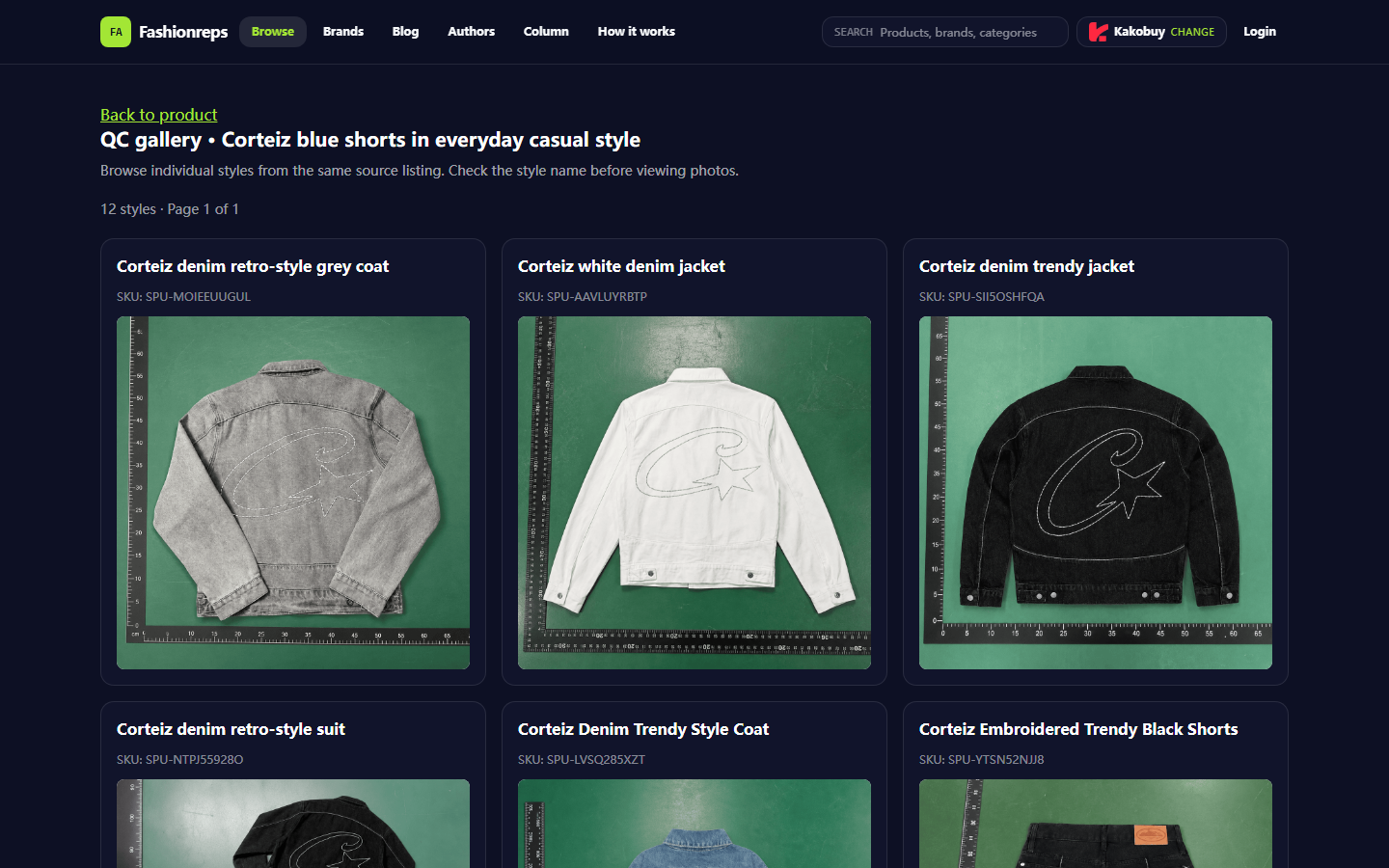
Different shopping agents may have different field names, page order, and update speeds. Only records shown on the actual agent's page can serve as the basis for the order's current status. Content on Fashionreps product pages or QC display pages cannot replace your personal order records.
If the page only shows the order creation time, with no seller shipping or warehouse receipt information, record it as "check-in not yet confirmed," not "checked in." If the page shows receipt but without identifiable order association, quantity, or update time, also keep a question mark and continue checking order details.
Distinguish Seller Processing, Warehouse Receipt, and QC Availability
These three stages represent different events and cannot substitute for each other:
- Seller processing: the seller is preparing the goods, or the order has been accepted by the seller.
- Seller shipped: the seller claims to have handed it to a domestic carrier, but the goods may still be in transit.
- Warehouse receipt: the agent's warehouse has recorded the package arrival, but it still needs to be confirmed as matching this order.
- QC available: the agent has completed or opened quality inspection materials, usually meaning the warehouse has a record of the item ready for further processing.
Warehouse receipt does not mean QC is complete, and the existence of QC photos does not mean the product's size, color, or details are as expected. When inspection is needed, check style, size, quantity, and obvious visible issues based on the actual QC content; do not interpret page status directly as quality assurance. 📦
When Status Remains Unchanged for a Long Time, Recheck Order Information in Sequence
When the status has not changed for some time, recheck in the following order to avoid duplicate actions:
- Confirm you are viewing a successfully paid order, not a cart, draft order, or duplicate order.
- Check product style, size, quantity, and order number to rule out confusion with similar items.
- See if the seller has provided shipping information, and whether that information has been recorded on the agent's page.
- Check whether order details, package details, and warehouse page have inconsistent update times.
- Confirm whether there are notices about size out of stock, seller cancellation, address anomaly, additional payment, or manual confirmation.
- Log in again or open details again in the same account's order records, but do not pay again or resubmit.
- Save the recheck results, then decide whether to continue waiting, contact the seller, or contact the shopping agent support.
If there is only seller shipping information but no agent warehouse receipt record, the issue is usually still in domestic transit or warehouse scanning pending; it cannot be directly called a check-in failure. The "usually" here is only a method for judging status, not a confirmation of the specific reason for any particular order.
Don't Treat Status Text as Proof of Completed Check-In
The following situations alone are not sufficient to prove that the item is ready for consolidation or shipping:
- The order list shows "processing," but there is no detail update time.
- The seller page shows shipped, but there is no warehouse receipt record from the agent.
- The product page has QC photos from other buyers.
- The order amount has been charged, but payment success does not mean the warehouse has received the goods.
- The status text has changed, but the associated style, size, or quantity is inconsistent.
Before there is a clear warehouse record, do not buy the same item again to "test the system," and do not ask the warehouse to arrange consolidation when check-in is not confirmed. Duplicate actions may result in a second payment, extra shipping costs, or later refund verification burden.
What Order and Screenshot Information to Submit to Official Support
When you've confirmed the order information is correct and the status still cannot be explained, you should contact the official support of the shopping agent that actually received payment and handles the order, not submit the order issue to the Fashionreps product page. The submission should be concise and verifiable:
- Order number from your account
- corteiz product name, style, size, and quantity
- Payment success time and order submission time
- Current status text and last update time
- Seller shipping information or domestic tracking number, if the page actually shows it
- A privacy-masked screenshot of the order details
- The specific question you want confirmed, such as "Has it been signed for?" "Has it been matched to warehouse inventory?" or "Do I still need to wait for seller processing?"
Do not send passwords, verification codes, full payment card information, passports, full shipping addresses, or unmasked waybills. If official support needs additional information, they should request it through the official support channel within your account. 🛡️
Final Verification Checklist After Pausing Duplicate Orders
Before taking the next step, confirm item by item:
- You have confirmed the unique order that was successfully paid, not a duplicate order.
- You have saved product, size, quantity, order number, and submission time.
- You have checked the status fields and update times in the order details.
- You have distinguished seller processing, seller shipping, warehouse receipt, and QC available status.
- You have checked for notices about out of stock, cancellation, additional payment, address, or manual confirmation.
- You have not used other buyers' QC photos as your own check-in evidence.
- Before check-in confirmation, you have not placed duplicate orders, paid again, or requested consolidation.
- When help is needed, you have prepared order materials with privacy masked.
If the page clearly shows warehouse receipt or QC records corresponding to your order number, the next step is to verify product information, not place another order. If there is only seller processing or shipping information, continue waiting while keeping a record of the recheck time point; if the status remains unchanged for a long time, information is contradictory, or the order cannot be found in your account, then pause further actions and contact the actual shopping agent support.