Editor score 4.2 / 5
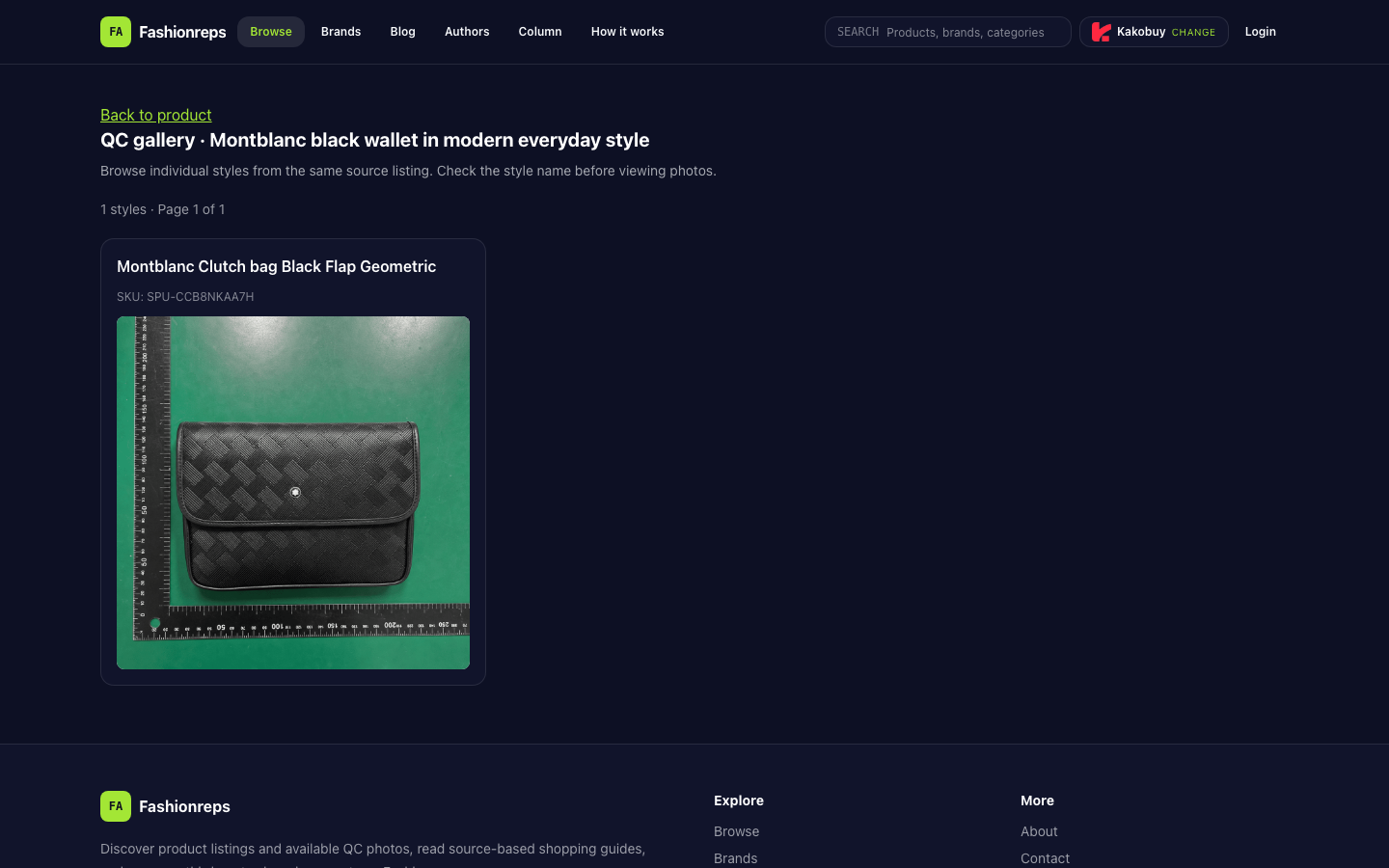
Bottom Line First There isn't enough verifiable evidence that a montblanc pen coupon can be applied to multi-item bundle orders, nor can we confirm whether the discount covers the merchandise subtotal, service fees, or international shipping. The verified page shows a "Montblanc Clutch bag Black Flap Geometric" with SKU SPU-CCB8NKAA7H, not a pen. This page alone can't support specific claims about pen models, coupon codes, discount amounts, or appli
Bottom Line First
There isn't enough verifiable evidence that a montblanc pen coupon can be applied to multi-item bundle orders, nor can we confirm whether the discount covers the merchandise subtotal, service fees, or international shipping. The verified page shows a "Montblanc Clutch bag Black Flap Geometric" with SKU SPU-CCB8NKAA7H, not a pen. This page alone can't support specific claims about pen models, coupon codes, discount amounts, or applicable scope.
Therefore, before paying for a bundle, rely on the current order checkout page's discount details. If the page doesn't clearly state the discount amount, eligible items, and fee calculation method, don't treat the expected discount as an active offer.

Check the Product First, Not Just Apply the Code
Once you're on the actual purchase page, record the following first:
- Product name, specific model, and variant
- Currency shown on the product page
- Unit price and quantity
- Subtotal shown on the product or checkout page
- Page timestamp or last verification time
The visible evidence here corresponds only to a black Montblanc clutch bag and cannot replace a pen product page. If the pen lacks a current active page, model, or price evidence, hold off on concrete discount estimates.
Separate Three Types of Amounts in a Multi-Item Bundle
Whether a coupon truly takes effect isn't about whether the final order amount changes, but where the change happens. Screenshot or record checkout fields separately after adding items, before and after bundling.
| Field to Check | Question to Confirm |
|---|---|
| Merchandise subtotal | Does the discount apply only to qualifying items or to the whole order? |
| Service fees and payment-related charges | Does the discount exclude proxy service fees, payment fees, or other processing fees? |
| Packaging, storage, and international shipping | Are these still charged separately after bundling, and does the discount explicitly cover them? |
If only the merchandise subtotal drops while service fees, packaging, storage, and international shipping remain unchanged, that usually means the discount applies to the product portion only—not the entire order.
Pre-Checkout Verification Steps
- Add one qualifying item separately and record the subtotal, service fees, and order total.
- Add a second or more items and see if the discount threshold is recalculated.
- Review discount details to see whether it's tied to brand, category, specific items, order amount, or other conditions.
- Proceed to the bundling or pre-payment page and check if the discount persists.
- Compare the subtotal and fees before and after checkout; only count fields that actually decreased.
- If the discount disappears after bundling, the amount reverts, or conditions aren't stated, don't pay yet, and save the page records.
These Situations Cannot Be Taken as Confirmation the Discount Applied
- Cart shows a coupon, but checkout page has no discount amount
- Subtotal drops but no mention of whether service fees are excluded
- Only some items meet conditions, but the page shows a whole-order discount notice
- Different currencies used, making before/after amounts hard to compare
- Discount before bundling, but fees recalculated after without details
- Discount label shown, but no validity period, threshold, or eligible item description
Current materials provide no verifiable pen coupon code, discount percentage, minimum spend, validity, exclusions, or stacking rules, nor any details on service fees and international shipping for multi-item bundles. Thus, we cannot guarantee the discount covers the entire order, nor calculate final savings.
Payment Decision Criteria
Only consider the discount verified if the current checkout page meets all of the following: item models and quantities are clear; discount details show the actual reduction; the scope is clear; and the merchandise subtotal, service fees, packaging, storage, and international shipping each have separate visible fields.
If any of these are missing, treat the order as "discount scope unconfirmed." Pause payment and confirm with the platform: does the discount support multi-item bundles; is the minimum threshold per item or per order; are service fees excluded; and will fees be recalculated after bundling.